Google's personal Search option: what connecting Wallet, Drive and Gemini changes
A practical read of Google's November 23, 2026 announcement: how to enable Personal Intelligence in AI Mode, test it on a small sample, and what remains unverified.
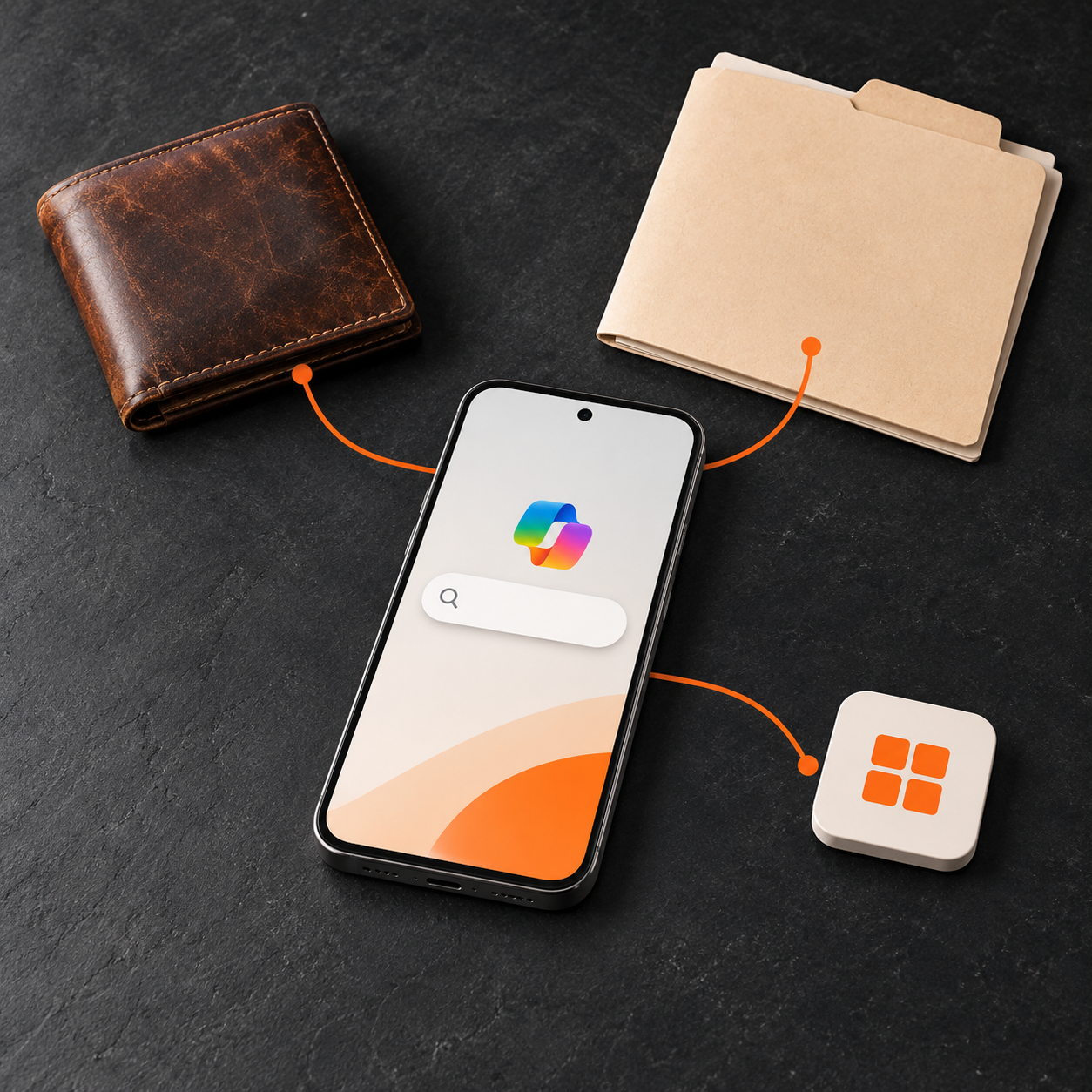
If you already use AI Mode for search, the November 23, 2026 announcement changes one concrete step: with voluntary consent, you can securely connect Google Wallet, Drive and the Gemini app to Personal Intelligence in AI Mode. According to Google's blog, the goal is more helpful Search responses through personalization. For someone preparing, say, a monthly overview of spending and files, this could mean answers that draw on their own data — but the value and limits need to be checked on a small sample rather than assumed.
What is confirmed and what is still a guess
The source confirms the mechanism: an opt-in connection of three services to Personal Intelligence in AI Mode. It does not spell out which query types benefit most, how personalization is displayed, or what restrictions apply. Treat the improvements as a hypothesis to test.
A step-by-step workflow for one task
Take this task: build a short summary of your spending and files before planning the month.
- Write 5–7 typical questions in AI Mode before connecting anything and save the answers.
- Enable Personal Intelligence as Google instructs, voluntarily linking Wallet, Drive and Gemini.
- Repeat the same questions in the same order over several days.
- Compare: is the answer more specific, does it reference your data, and are there more errors?
- Also test queries that don't need personalization to see whether it gets in the way.
Labeled example
Before: asking “How much did I spend on transport last month?” returns a generic answer without figures. After: the answer may draw on Wallet data, but accuracy and completeness must be checked against a statement. Takeaway: record not only “better” but also cases where personalization failed.
Limitations and a compact checklist
- Test on 5–7 queries; don't judge from a single answer.
- Confirm which services are actually connected in your account.
- Watch privacy: the connection is voluntary but should be deliberately managed.
- Don't expect guaranteed accuracy — the announcement makes no such promise.
- Note the test date: the feature may change.
Bottom line: the announcement offers a concrete scenario to test, but it does not replace your own verification.
Primary source · blog.google · 2026-11-23
Try it on your own task
Prepare a task to compare models. Opens an editable prompt. Trial chat: 3 messages a day.
Prepare my prompt →